Pinch it!
Turning a clinical dysgraphia exercise into a game for children, without losing its therapeutic value.
- Role
- Product Designer
- Client
- Academic project
- Year
- 2025
Context and problem
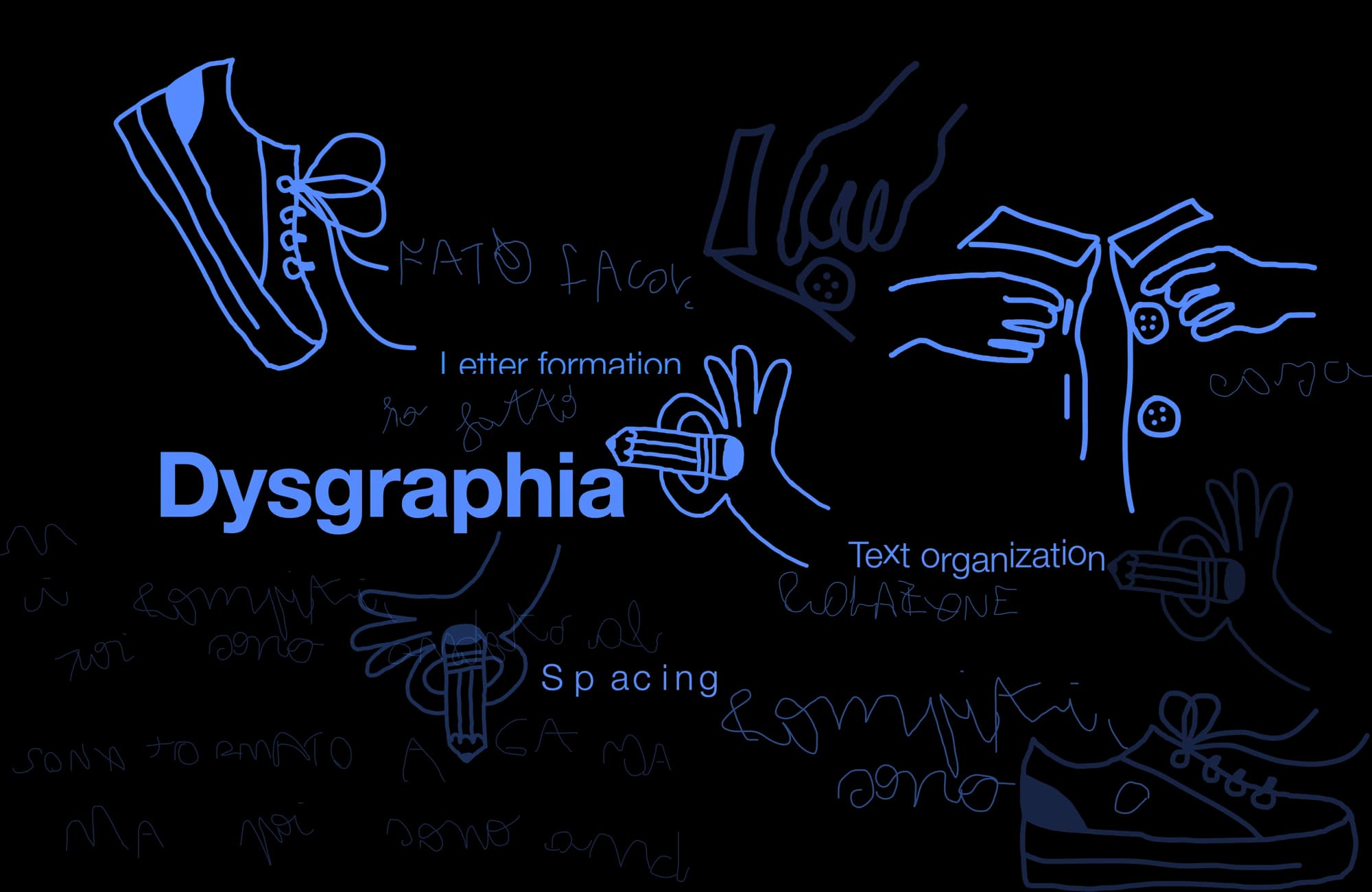
Dysgraphia is one of the four specific learning disabilities. It affects writing: letter formation, spacing, text organisation. On average it concerns 12% of school-age children (Dohla & Heim, 2016; Katusic et al., 2009).
It is not a matter of "bad handwriting". It involves muscle strength, coordination, cognitive processing, and a significant emotional component. Treatment requires specialised professionals: speech therapists, neuropsychomotor therapists, psychologists.
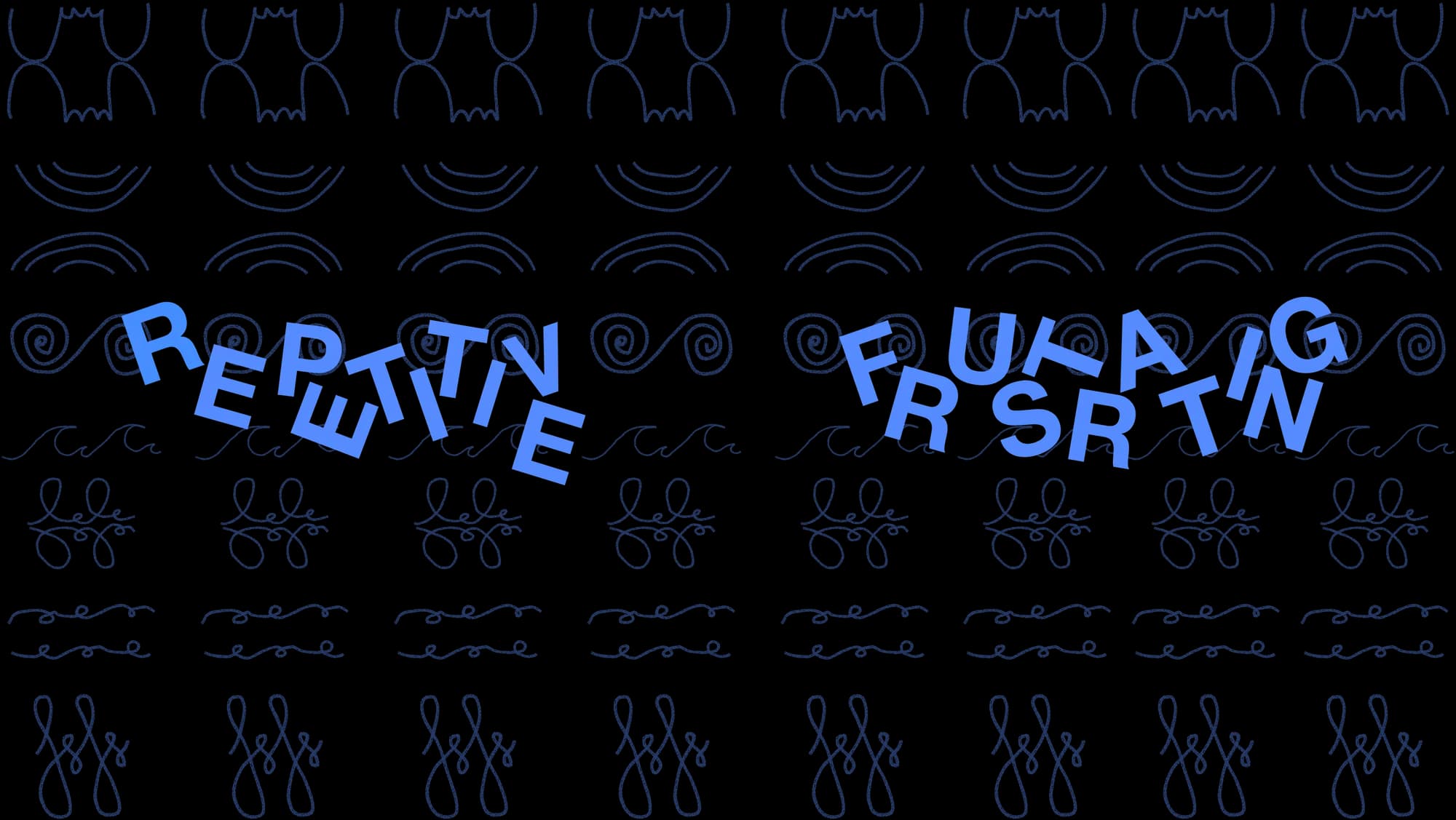
On the therapeutic side, fine motor exercises are repetitive. Maintaining the child’s attention and motivation, session after session, is one of the main challenges for therapists.
Project goal: to verify whether these exercises could be made more engaging without reducing their clinical value, and if so, to develop an application.
Research
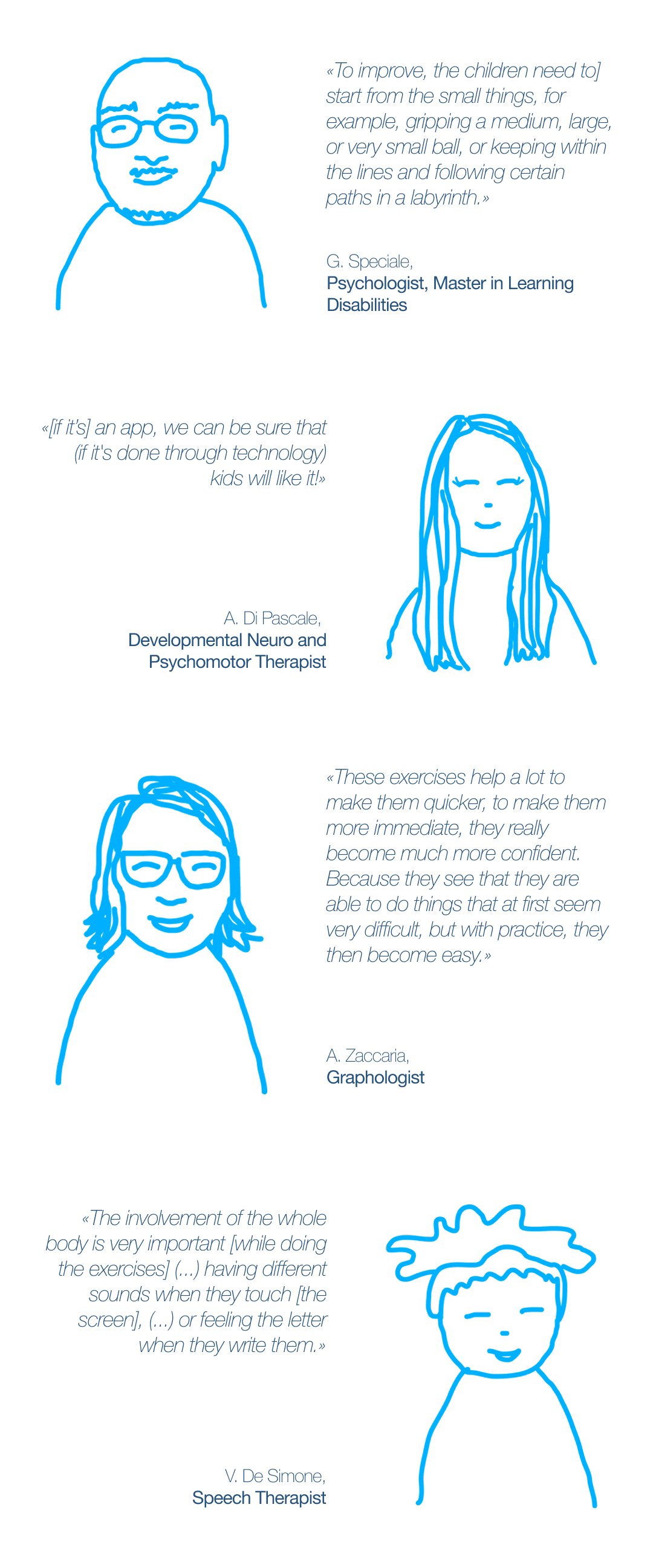
Research preceded every product decision, on two tracks: the scientific literature, to frame the motor, cognitive and emotional components of dysgraphia, and the field, with interviews of five professionals (psychologists, therapists, speech therapists and graphologists), alongside accounts from dysgraphic individuals.
The goal: to understand how dysgraphia is actually treated and by whom, and to check whether an app could fit into that process. Four guidelines came out of those conversations:
- Positioning. Diagnosis stays with the professional: a digital product can support the intervention, never replace it. - Centrality of the physical act. Dysgraphia involves the body: hand, wrist, elbow, shoulder, posture. An app only makes sense if it doesn’t cut out the gesture. - An exercise to digitalise. Finger selectivity training is effective but unmotivating on paper: ideal for an interactive transposition. - Motivation. Frustration and repetitiveness confirm the need to make therapy more engaging.
The professionals confirmed the idea’s feasibility, on condition that physical and sensory engagement be preserved: development started from there.
Solution
Among the available clinical exercises, pinch grip training with finger alternation was selected as suited to a digital transposition.
Pinch It! is both a tool for therapists and a game for children. The child positions their hands in front of the device, without touching the screen. A finger lights up to indicate which one to use. When a button falls, it must be caught with a pinch between the thumb and the indicated finger; the correct combination scores a point.
It trains two areas:
- Fine motor skills: the pinch movement strengthens the fingers used to grip a pen, do up a button, hold cutlery. - Cognitive functions: changing finger with each repetition demands attention and control.
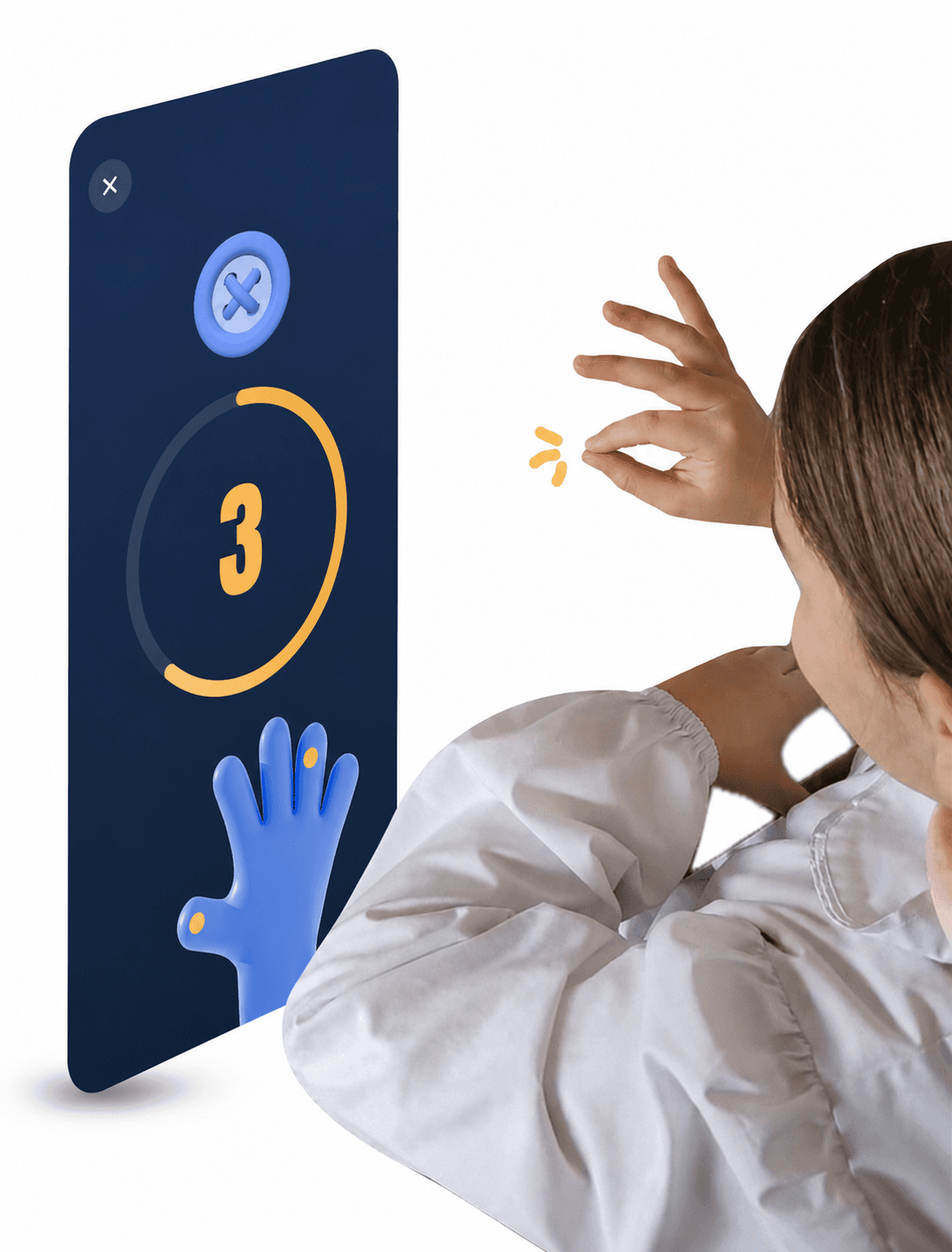
Testing with children
Testing with children took place mid-development, with a formative purpose: the observations gathered shaped the final product decisions.
The prototype was tested in real contexts, including a music school (Associazione Liceo Musicale, piano students) and a primary school (Istituto IV Giornate), with a group of 6 children (3 male, 3 female; four aged 6, one aged 9, one aged 10), with around three attempts each.
Behaviourally, a recurring sequence was observed: initial confusion, frustration during the learning phase, peer competition in paired tests. A progression useful for calibrating the difficulty and pacing of the game.
Final product
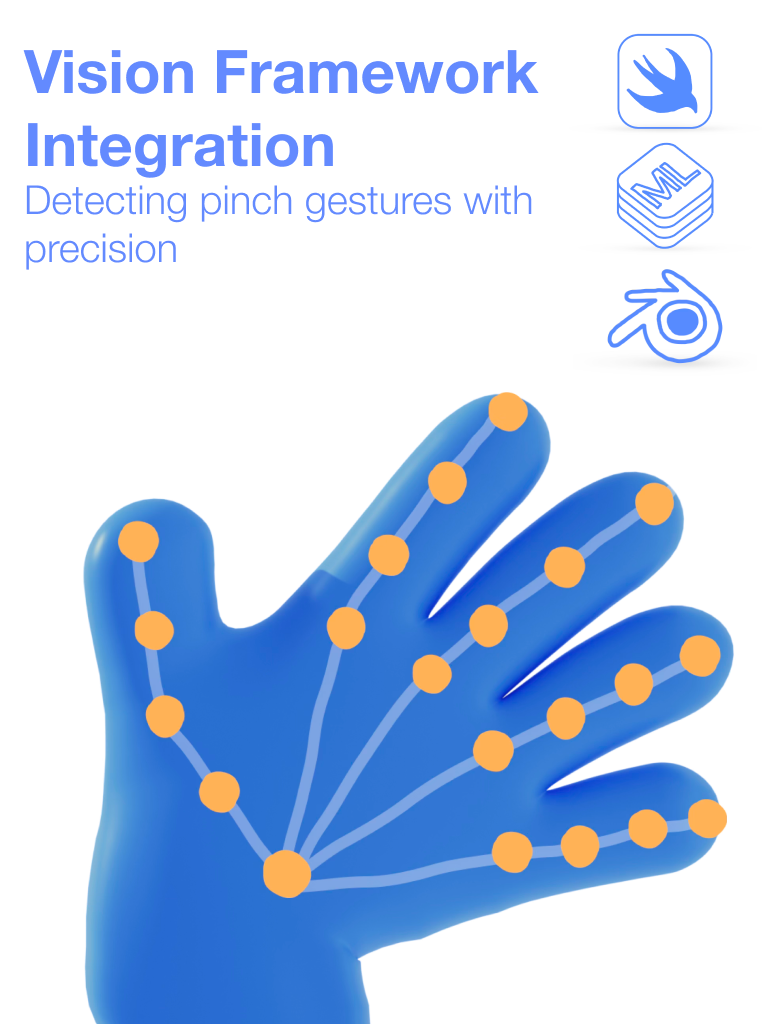
Technology. Real-time hand recognition via Apple Vision Framework: the model detects 21 key points; for the pinch, fingertips are used, registering the gesture when the distance between thumb and finger drops below a threshold. 3D models built in Blender and rendered with SceneKit.
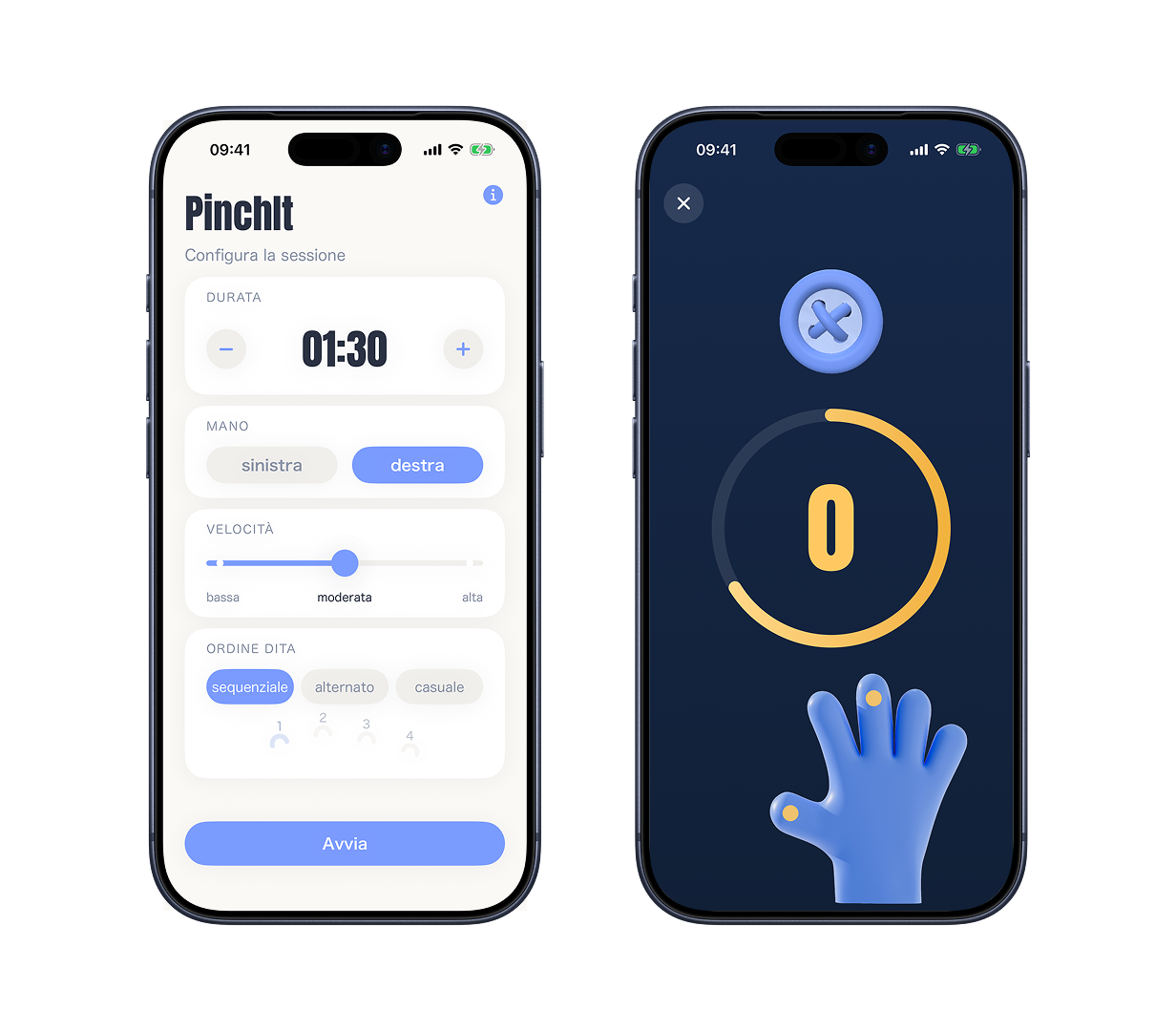
Customisation. From the Settings screen the therapist configures hand (right/left), duration, speed (low/medium/high), and finger alternation mode (sequential/alternating/random). Difficulty increases in steps, consistent with the progression described by the professionals.

Conclusion
Once development was complete, the finished product was submitted to neuropsychomotor therapist A. Di Pascale, the same professional who had guided the team during research. She tested the final version and confirmed the positive impressions from the start, validating Pinch It! as a support tool for dysgraphia therapy.
This is where the project comes full circle. The research had started from a question: can fine motor exercises be made more engaging without reducing their clinical value? The initial green light from the professionals had given a theoretical answer; Di Pascale’s final validation confirmed it on the real product.
Next Project